Buy side
A supplier invoice or debit note becomes a bill, purchase order, or vendor credit note. Vendor name and GSTIN are matched to your vendor list, or you can create the vendor from what was read.
- Bills
- Purchase orders
- Vendor credit notes


Capture
Drop a photo or a PDF. The reader accepts PDF, PNG, and JPEG, including a phone picture of a printed bill or a thermal POS slip. Multiple files can sit in one queue so a stack of vendor invoices does not mean a stack of typing.
Extract
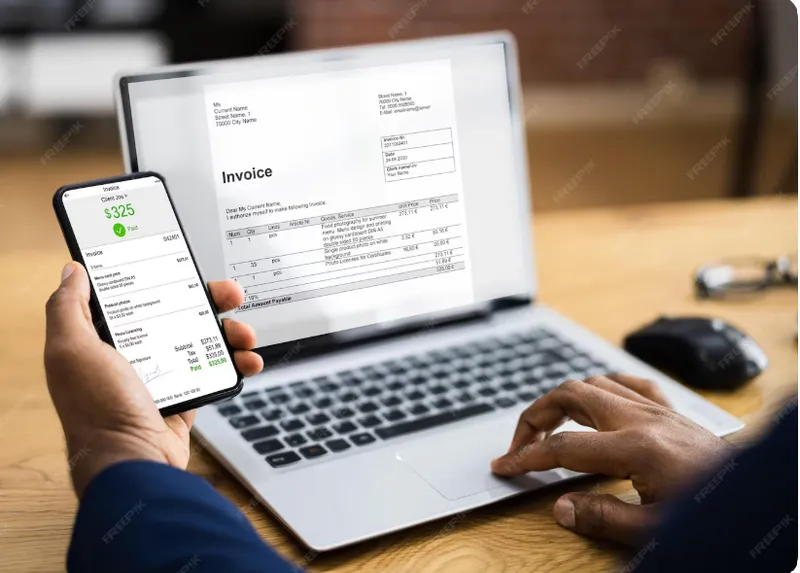
The model reads vendor or customer name, tax IDs, document number and date, line items, quantities, rates, and GST. That payload is mapped into a MercExe draft — not left as a blob of OCR text.

Document types
Start Generate using AI from the list that matches the paper in your hand. The scan becomes that MercExe record after you review it.
A supplier invoice or debit note becomes a bill, purchase order, or vendor credit note. Vendor name and GSTIN are matched to your vendor list, or you can create the vendor from what was read.
A customer invoice, estimate, or credit note becomes the matching sales document. POS-style receipts and printed invoices can be captured the same way so counter paper is not re-entered by hand.

Lines are compared to your item catalog. Confirm matches, fix a wrong SKU, or create a missing item from the extracted description and barcode. Nothing posts until you confirm.
Save
Confirm writes a draft bill, invoice, order, or credit note in the same lists your team already uses. From there you receive, pay, print, GST e-invoice, email, or WhatsApp as usual.
Bills, POS receipts, invoices, orders, estimates, and credit notes — the documents a store or distributor actually receives.
Extraction is a draft. Review matches, hints, and totals before anything is saved to MercExe.
Lines map to your items and parties. New SKUs are created on purpose, not silently invented.
A generated bill or invoice is a normal document: receive it, pay it, e-invoice it, or send it on WhatsApp.
Walk through a scanned bill, POS receipt, or invoice with a product specialist.
Request a demo