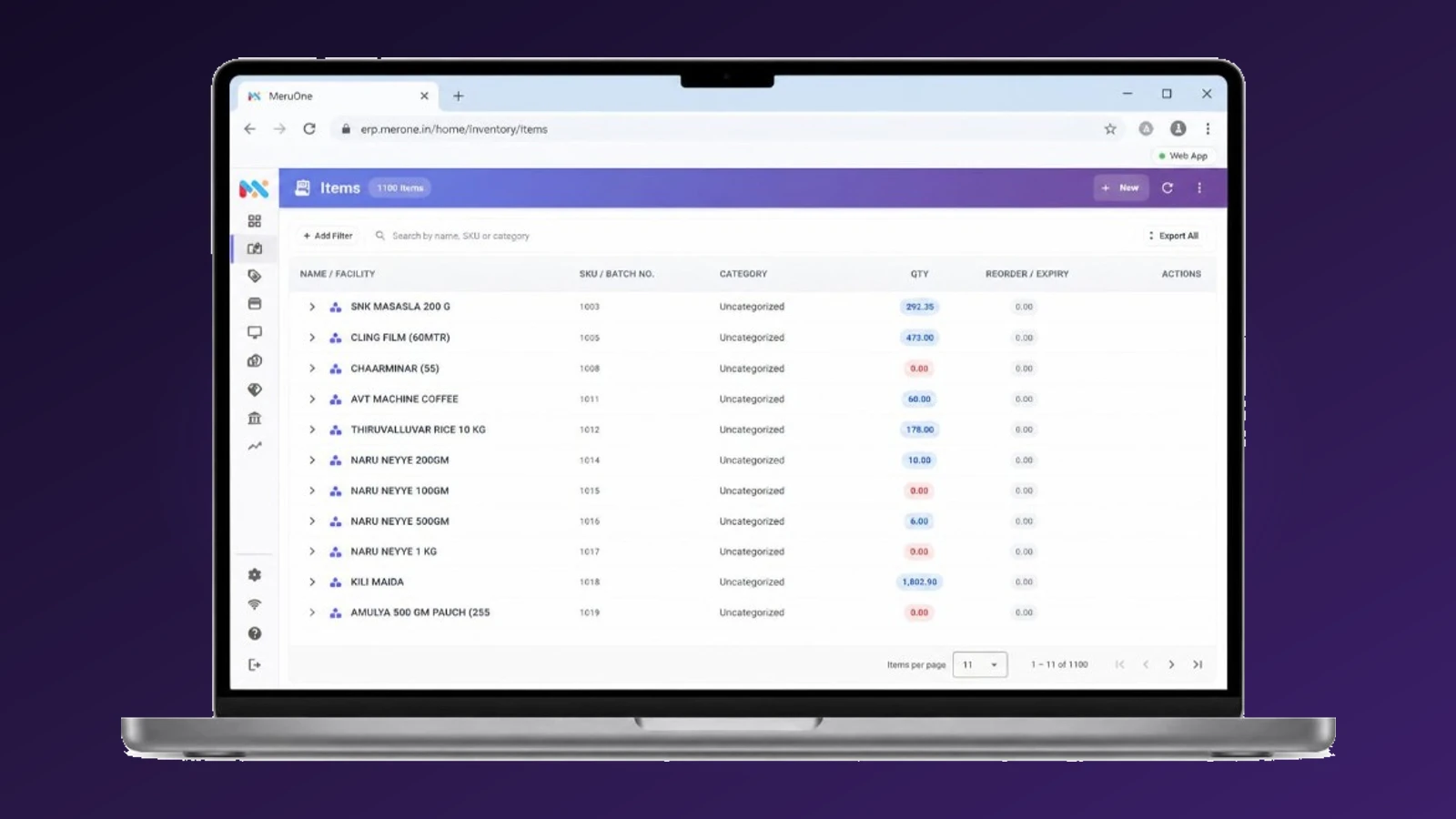
Web app
Open MercExe in the browser. Same purchase, stock, warehouse, POS, and accounts — no desktop install.
- Works on a laptop or counter PC in the browser
- Same login, facilities, and documents as the other apps


AI driven Supply Chain ERP
MercExe is built for the path goods take through a trading business: buy from vendors, receive and stock, pick and ship, then sell at the counter, on a van, or online — with the books posting as you go.
Buy
Raise purchase orders, receive inbound shipments, and bill vendors against what actually arrived. Partial deliveries stay on the same PO. Stock and accounts update from the receipt — not from a second system.
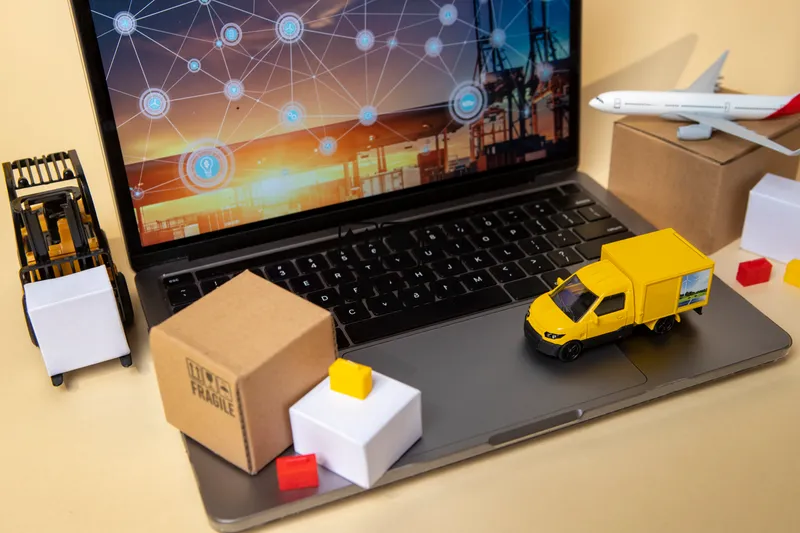
Hold
See stock by facility, channel, batch, and bin. Wave orders, pick and pack, then ship as a parcel or a van load. Counts and transfers keep the floor aligned with the book.

Sell
Sell from the same stock you just received. POS opens on a register, ecommerce stays in sync, and van sale loads free stock and packed orders for the route.
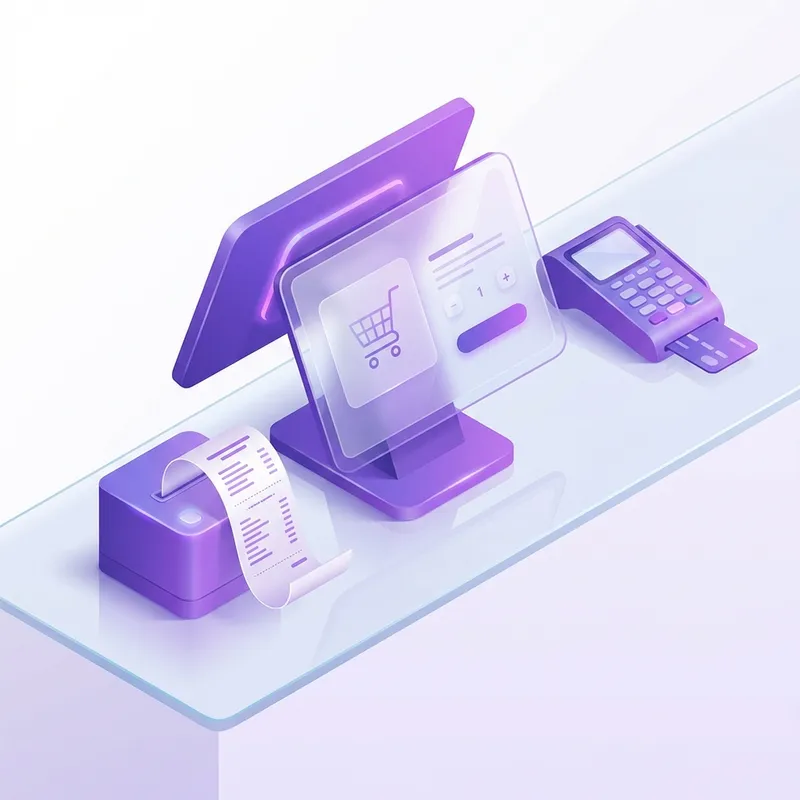
Books
Cash, bank, journals, GST, and e-invoicing post from purchases and sales. No re-keying invoices into a separate finance product.

Where you run it
Run the same MercExe product in a browser, on a Windows PC, or on an Android phone or tablet.
Open MercExe in the browser. Same purchase, stock, warehouse, POS, and accounts — no desktop install.
Install on Windows for a dedicated till, back office, or warehouse PC. Local data stays on the device so work continues when the network drops.
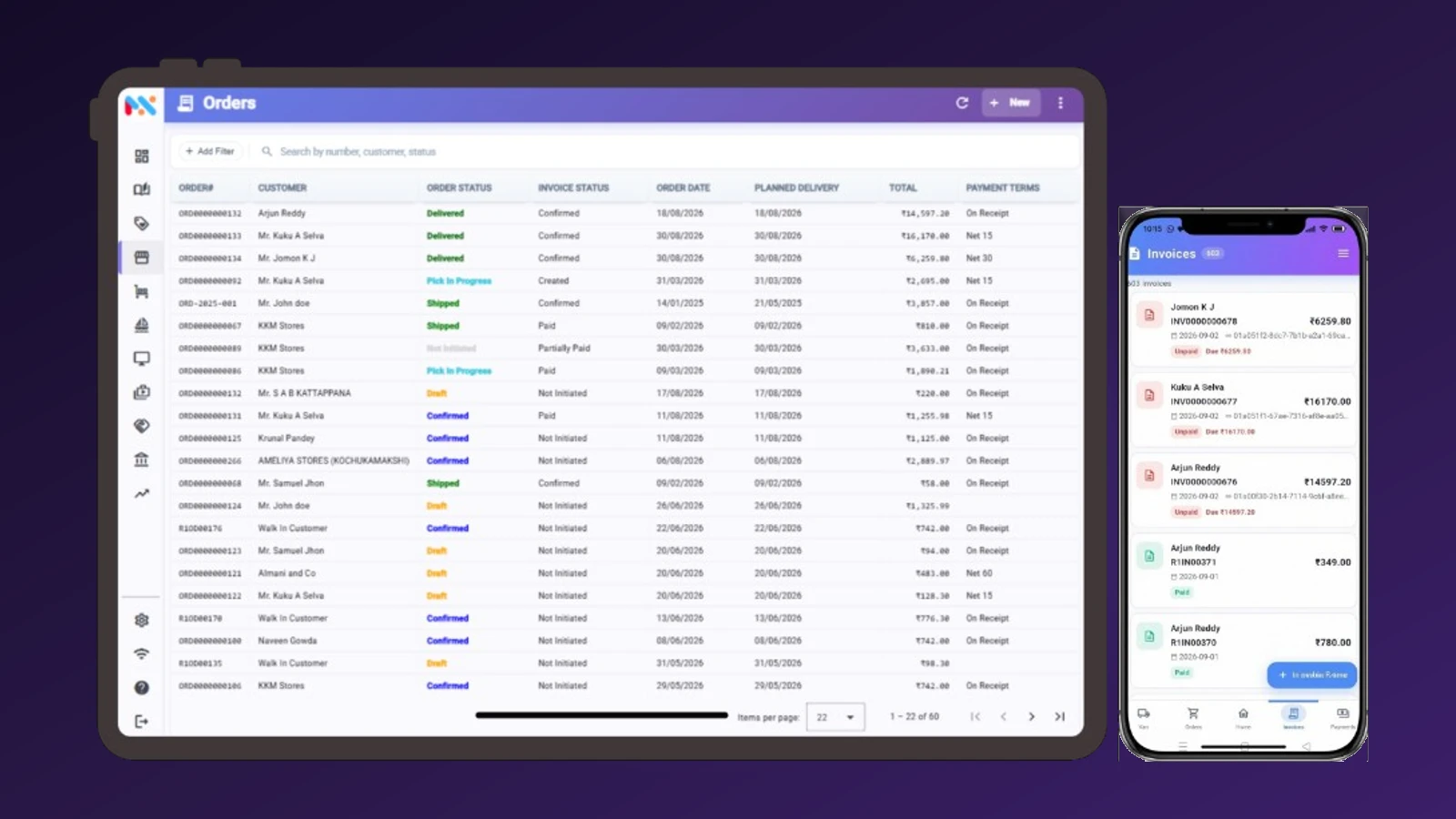
Run MercExe on Android phones and tablets — POS on the floor, receiving, and counts without tying the operator to a desk.
Generate using AI
Photograph or upload a vendor bill, POS receipt, invoice, order, or credit note. Generate using AI reads the page, matches parties and items, and creates a MercExe draft you review before it hits stock and the books.

GST E-Invoicing
Confirm a B2B invoice, generate the GST e-invoice with IRN and signed QR, and send that same PDF by email or WhatsApp. No re-keying tax lines into a portal.

Dashboard and reporting
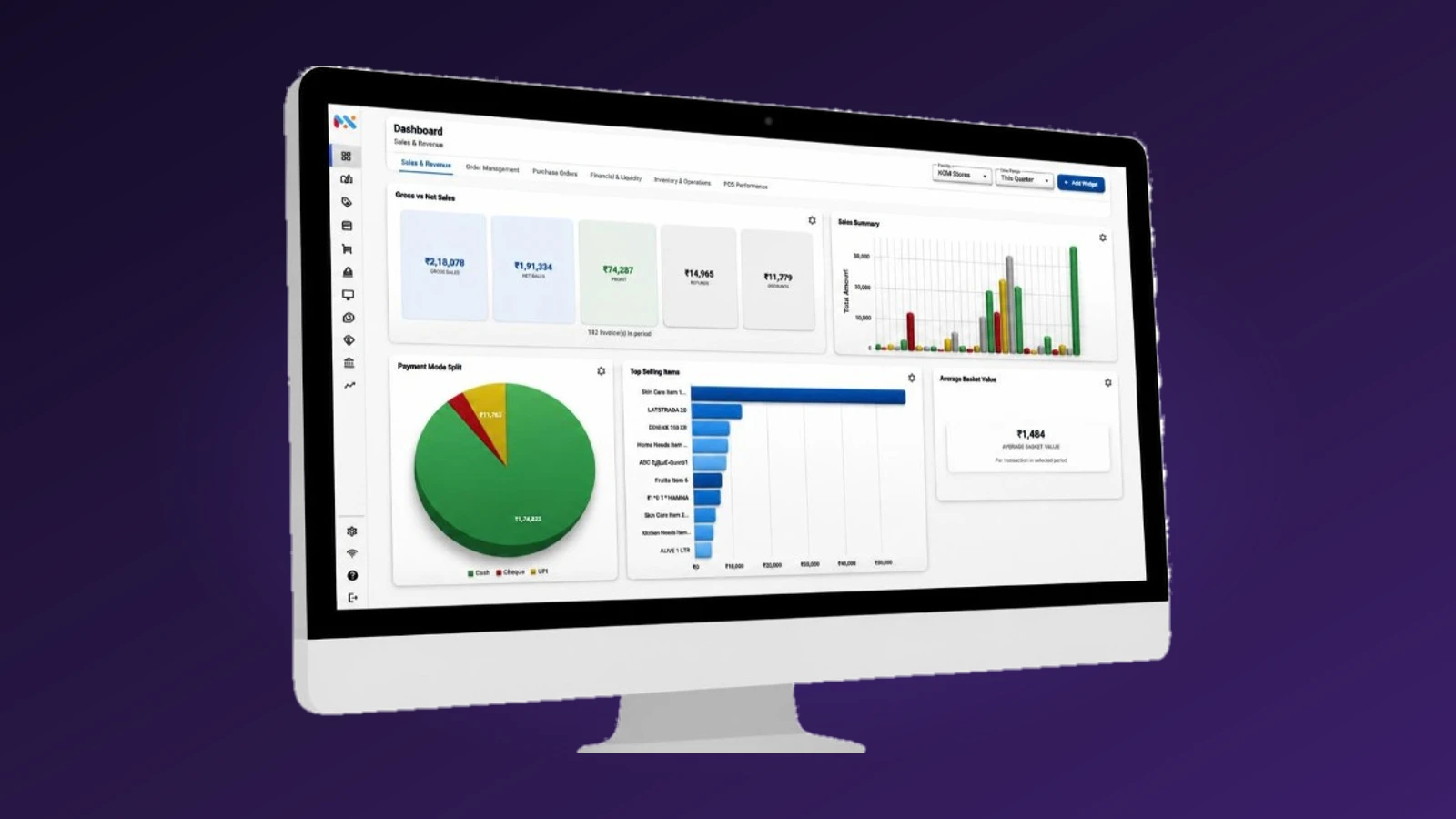
Build a dashboard by category: add widgets, size them, and filter by facility and date. When you need the rows, Reports runs sales, purchase, inventory, aging, and GST — then Excel, PDF, or print.

Explore the modules that take goods from vendor to customer.
Vendors, purchase orders, inbound shipments, bills, vendor credits, and vendor payments — plus Generate using AI for paper vendor documents.
Learn more →
Build a dashboard by category with widgets you add and filter, then run sales, purchase, inventory, aging, and GST reports to Excel or PDF.
Read paper and PDF bills, POS receipts, invoices, and credit notes, then create MercExe documents you review and save.

GST e-invoices with IRN and QR on the PDF, then send the same document by email or WhatsApp.
Walk through procurement, warehouse, selling, and the books with a product specialist.
Request a demo